

S2 is currently available in AWS regions, so private networking uses AWS PrivateLink. Equivalent options, such as GCP Private Service Connect, will be added as S2 expands to other clouds.
Setup
1
Get Service Name from S2 Dashboard
Go to the S2 dashboard, in the Basins tab, expand the Private Connectivity section to find your PrivateLink service name.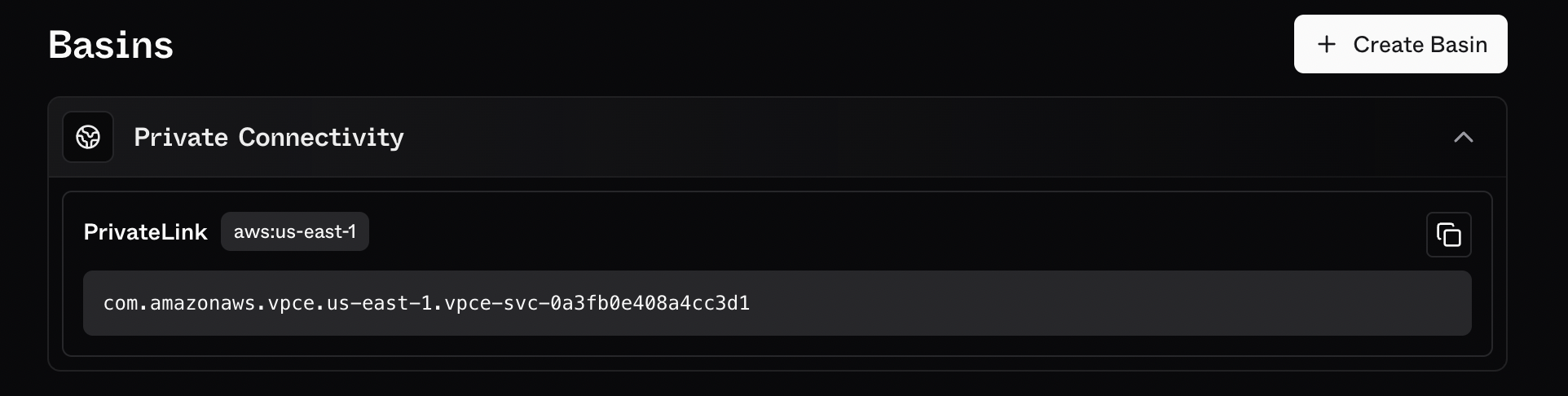
2
Navigate to VPC Endpoints
Search for VPC endpoint on the AWS console and select “Endpoints”.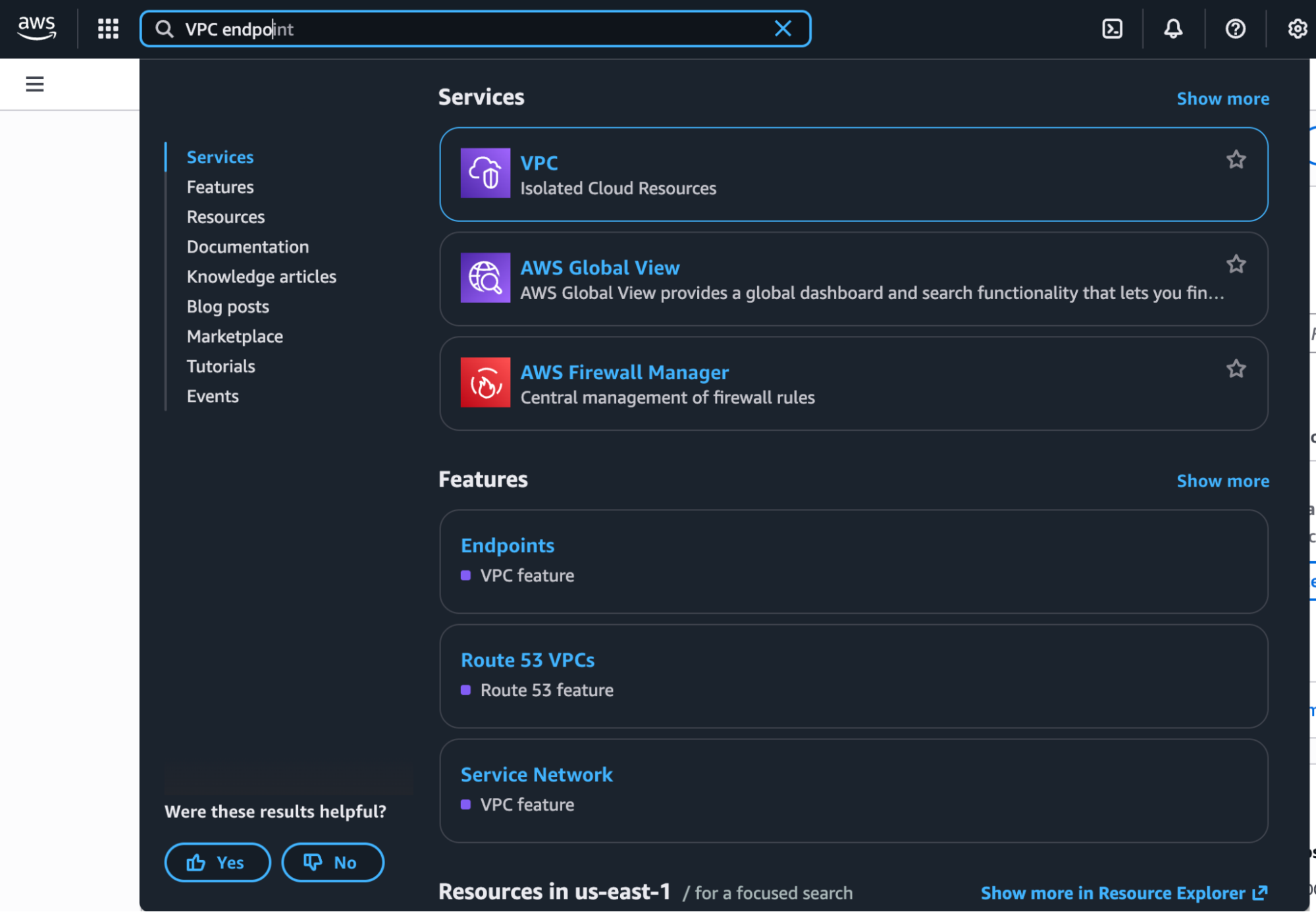
3
Create Endpoint
Click on “Create Endpoint”.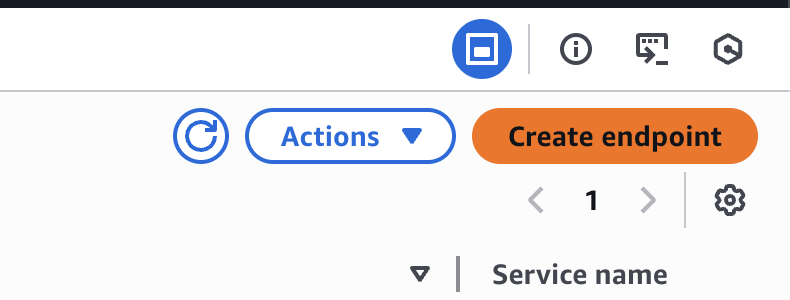
4
Select Service Type
Select “PrivateLink Ready Partner Services”.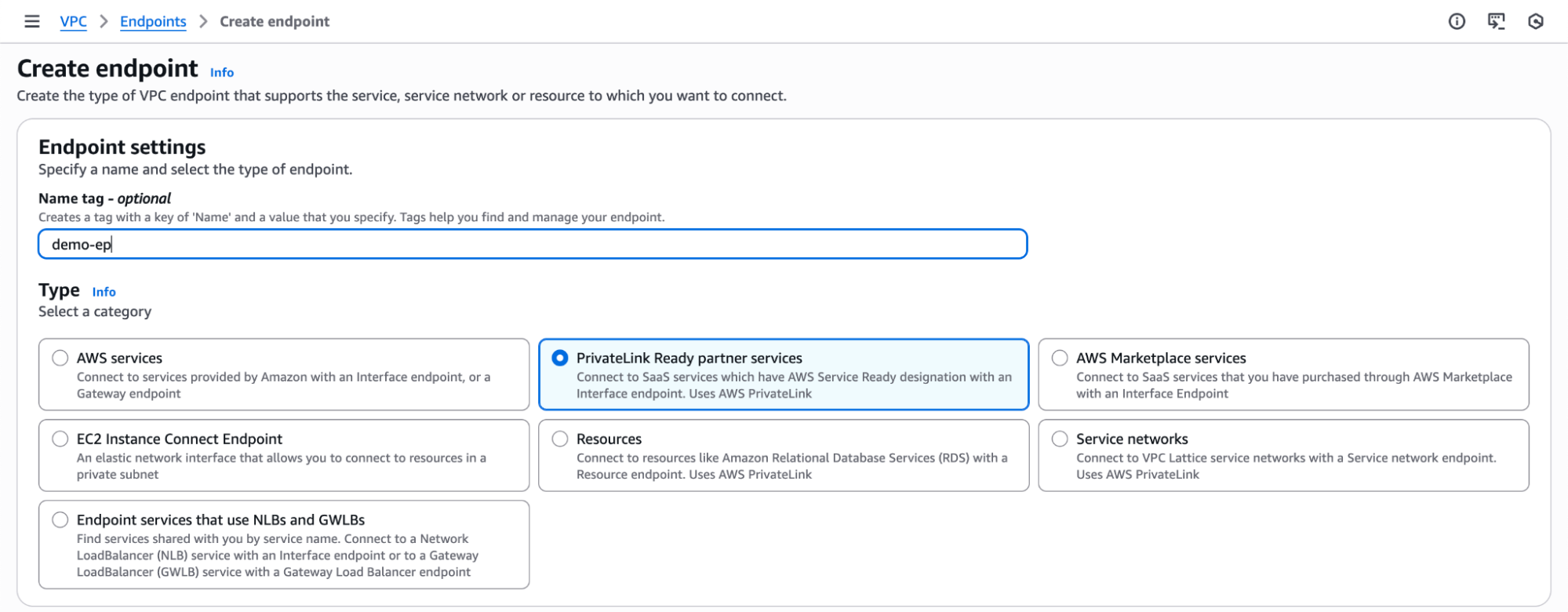
5
Verify Service
Enter the PrivateLink service name from the S2 dashboard and click on “Verify Service”.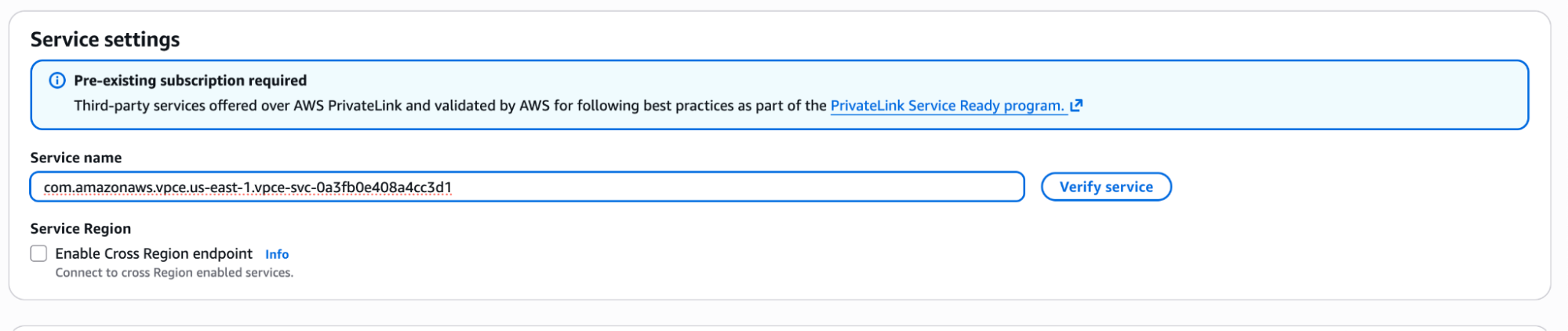
6
Select VPC
Select the appropriate VPC.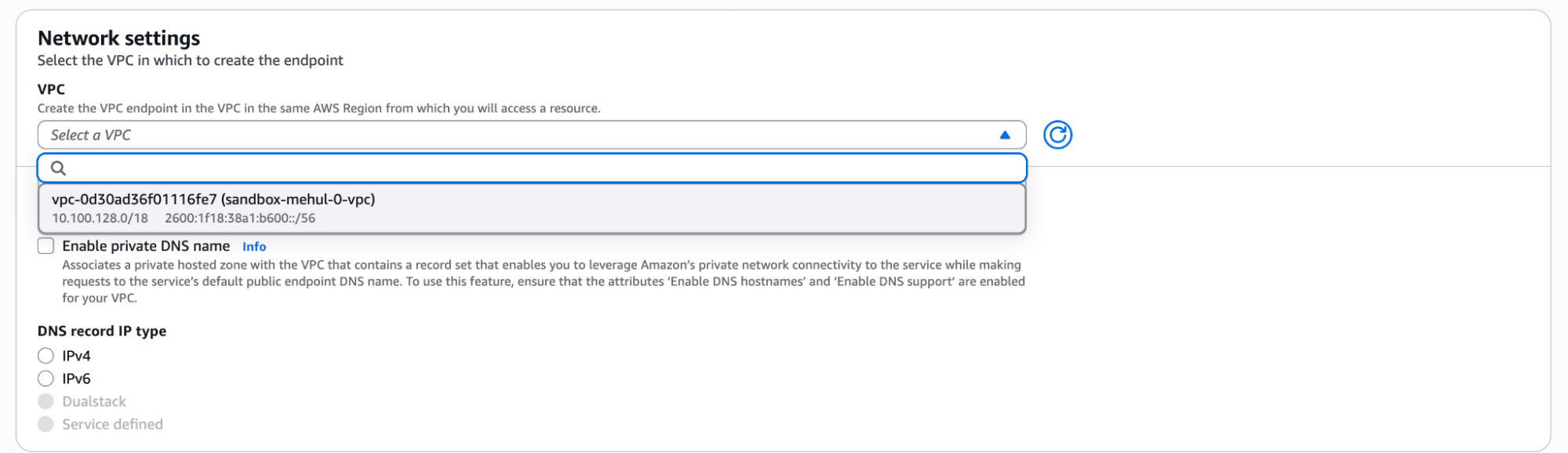
7
Enable Private DNS
Enable private DNS name.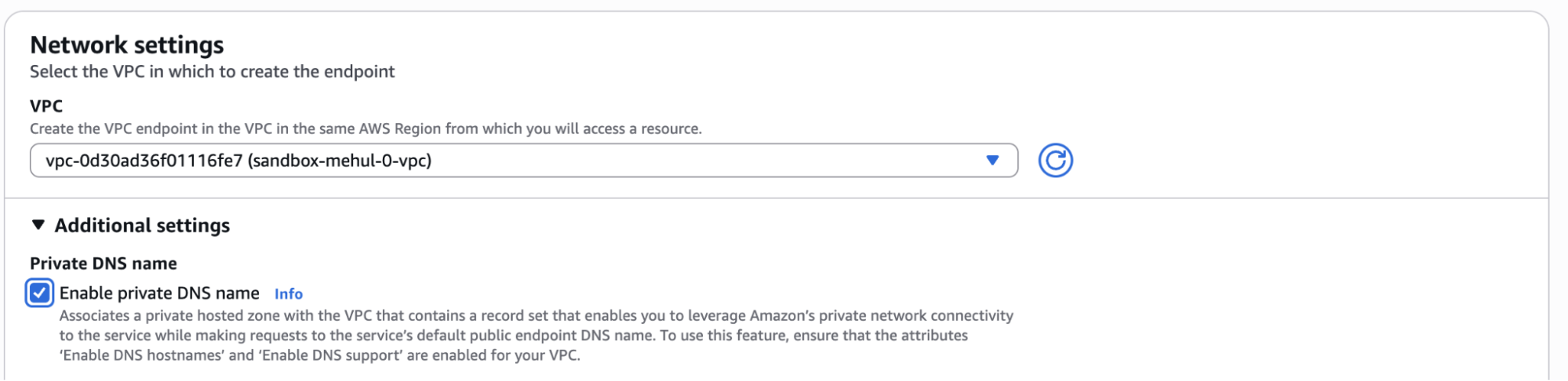
8
Include Subnets
Include subnets.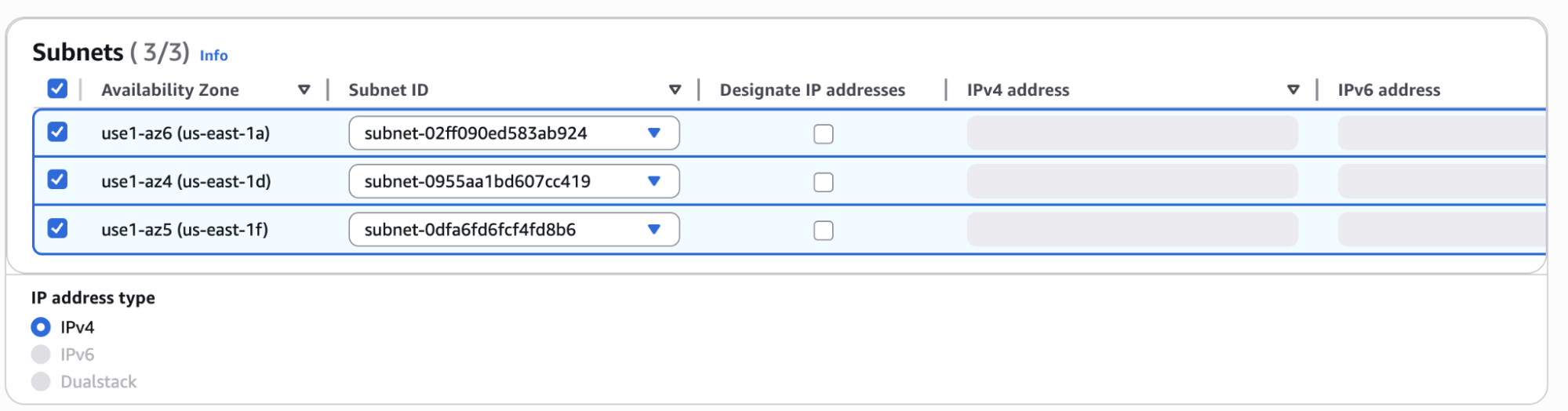
9
Configure Security Groups
Select appropriate Security Groups.
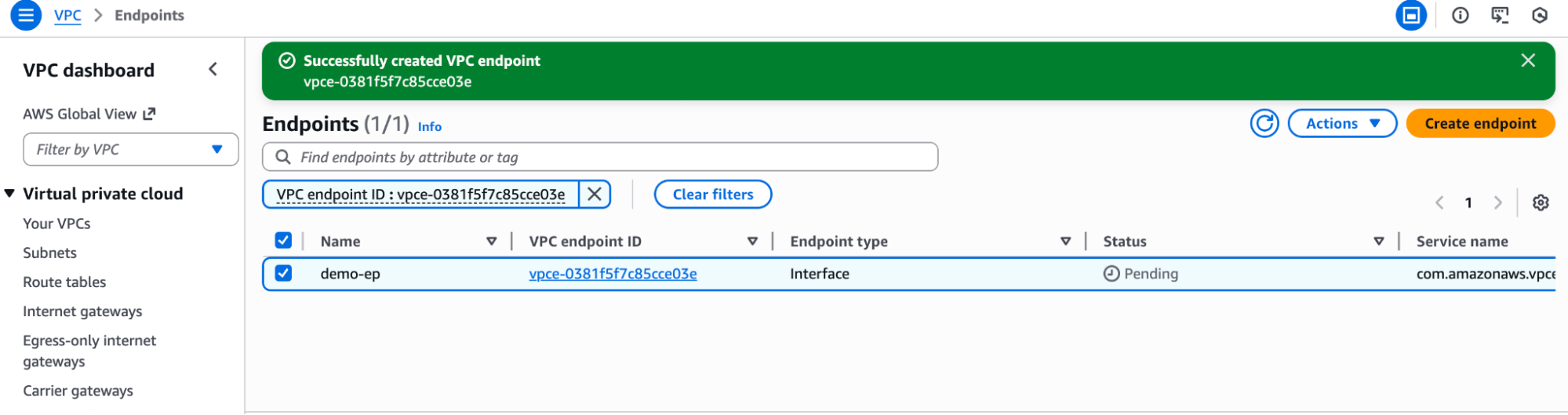
HTTPS (port 443) must be allowed in both inbound and outbound security group rules.
Access can be left open to
0.0.0.0/0 or, preferably, restricted to the PrivateLink
endpoint’s private IP address or CIDR range.Validate Your Connection
-
From a VM on your VPC, try resolving an S2 basin DNS record:
You may need to clear caches or wait a few moments for this to take effect.
-
If everything has worked, this DNS record should resolve to a private IPv4 address (e.g., starting with
10.*).